
DebugBear tells you why a page is slow. Uxify makes it faster.
Uxify measures every real visit on every browser and device, including Safari and iOS, with no sampling and hour-level data. Then AI agents fix slow navigations and interactions on your live site, and you see what each fix did to speed and conversion.
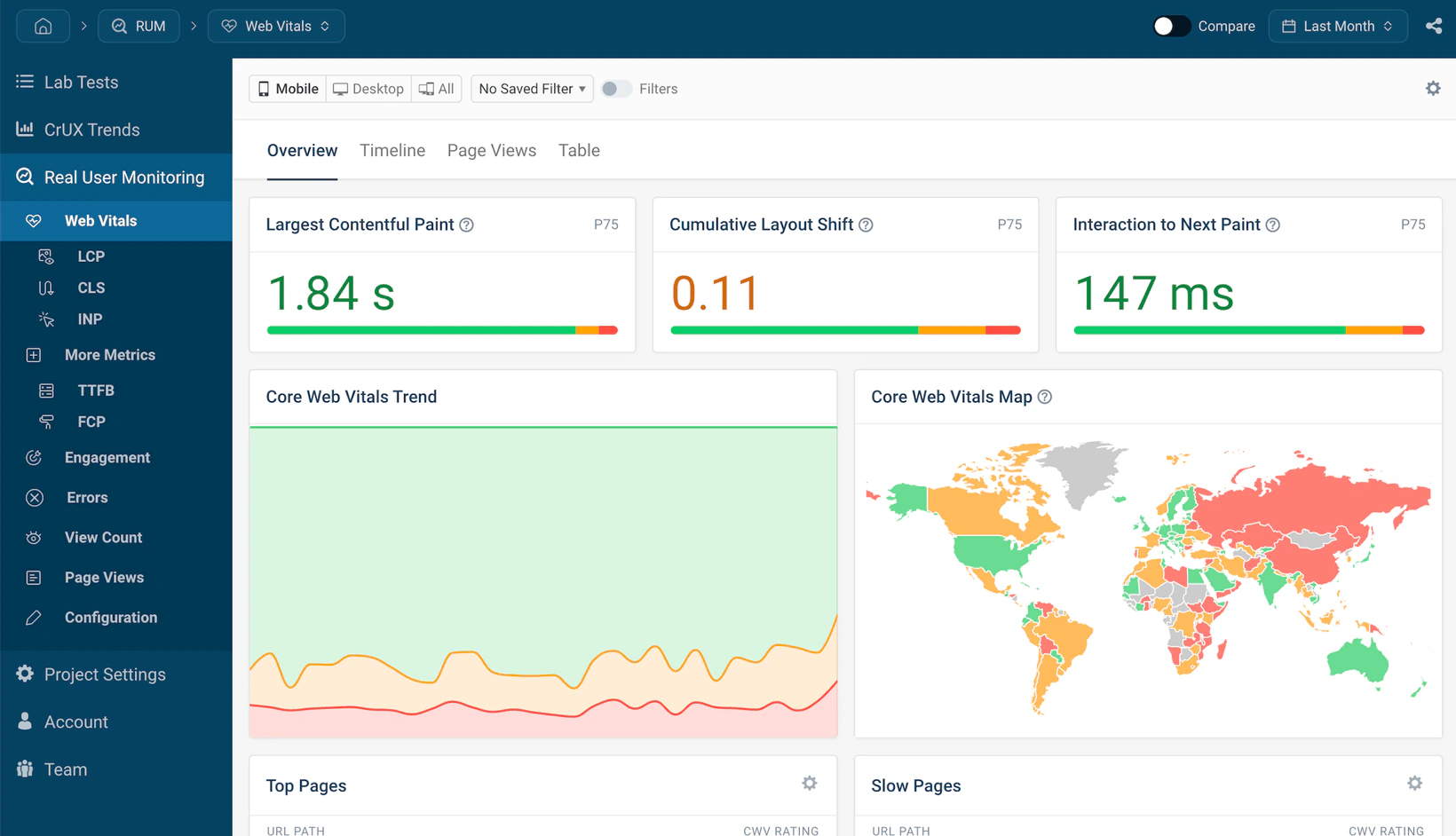
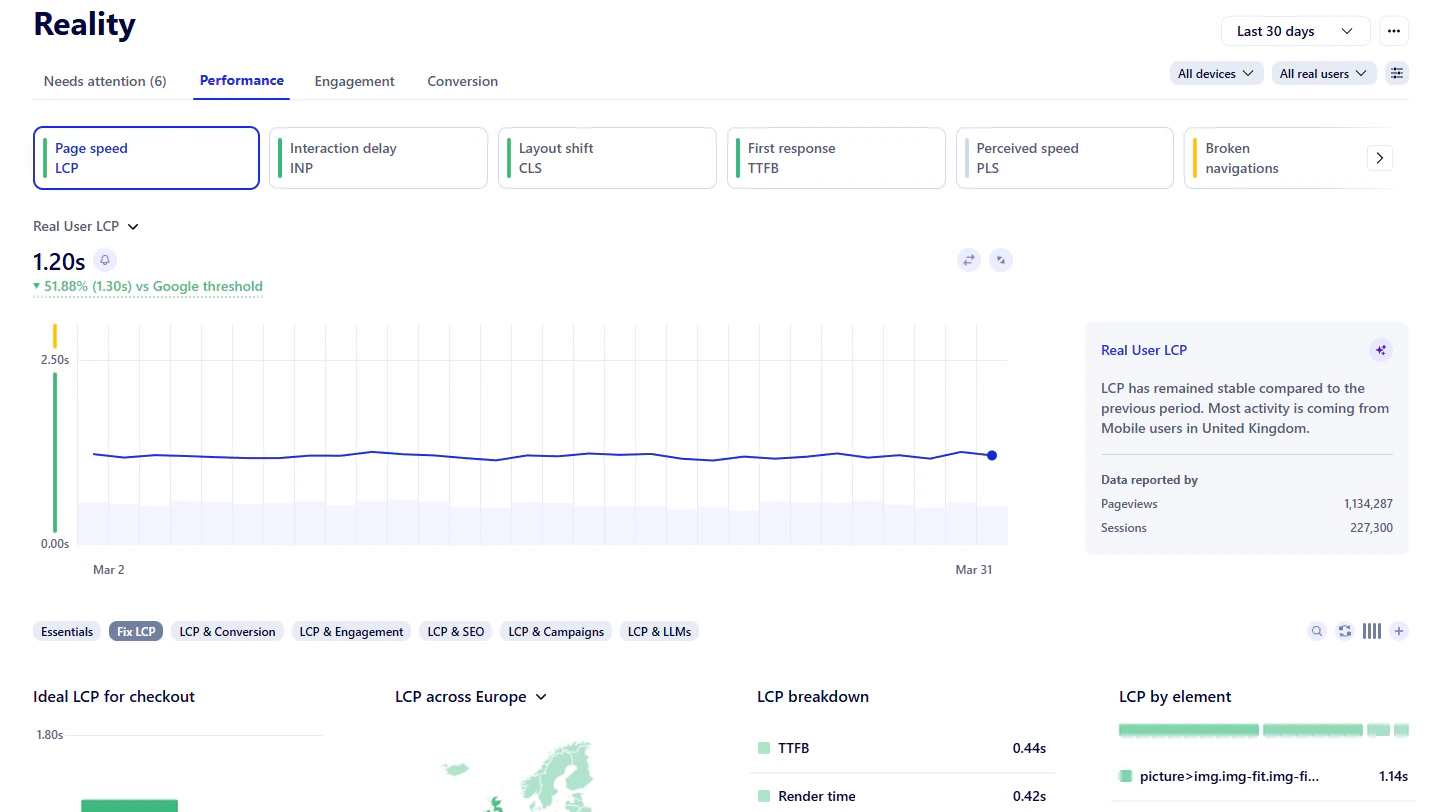
 DebugBear
 Another waterfall to read.
Another ticket for the next sprint.

Fixed on the live site.
Measured on every real visit.
Why teams look for a DebugBear alternative
Every finding still ends up as a ticket
DebugBear pinpoints what slows down LCP and INP and even writes prompts for coding agents. A developer still has to build, test and release each fix.
Lab first, real users second
DebugBear’s deepest tools run on scheduled lab tests. Real user monitoring is metered by pageviews and often sampled, so you see less of what real visitors actually go through.
Built for performance specialists
Waterfalls and Lighthouse audits work best if you know how browsers render pages. DebugBear tracks conversions but not revenue, so growth teams have to guess which fix matters most.
Well liked, with a few recurring limits
What to look for in a DebugBear alternative
Most performance tools are good at telling you what is slow. Before you switch, check how close the tool gets you to a faster page for the people actually buying.
Is real user data the main view, or a supplement?
CI checks, performance budgets and lab experiments catch problems before a deploy reaches visitors. Making the live site faster takes field data from every visit and something that acts on it. Many teams need both.
Does it fix the problem, or only explain it?
Diagnostics and coding-agent prompts speed up the work, but each change still goes through your release process. Look for agents that apply proven risk-free fixes on the live site.
Can it tell you which fix is worth the most?
Look for Core Web Vitals next to conversions and revenue, with LCP, INP and CLS targets set from your own conversion data instead of a generic threshold.
How long until you have answers?
Test schedules, page lists and budgets take time to set up and maintain. Uxify starts from one snippet in under two minutes, and Vita starts watching every page and device from day one.
Uxify vs DebugBear
A direct comparison of how both tools measure, explain and improve web performance.
See the full comparison (10 more rows) Hide the full comparison
Why choose Uxify as your DebugBear alternative?
From a slow metric to a faster page, measured on every real visit.
Field data from every real visit
Uxify measures 100% of sessions, unsampled, on every browser and device, including Safari and iOS. You get any percentile from p1 to p100. Uxify captures 10,000+ signals per session, where typical RUM tools stop at around 2,000.
Agents that make pages faster
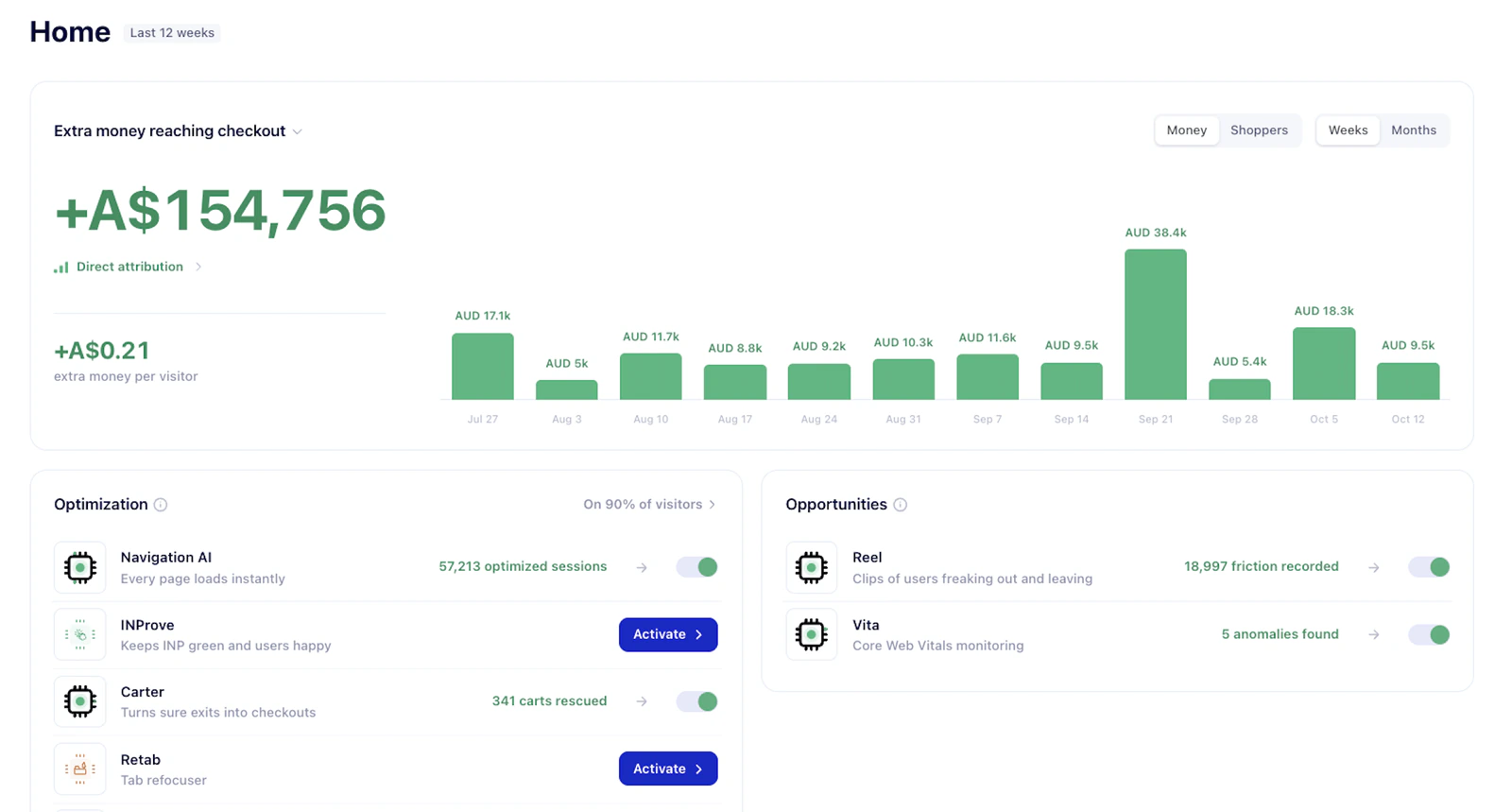
Uxify runs single-purpose agents, each fixing one thing that slows a site down: slow navigation, laggy interactions that hurt INP, performance anomalies and missed taps. They work live on your site and average a 34% performance boost.
Optimizations tied to conversion
Uxify shows you the incremental revenue it generated per agent. Each gain is tied to the change that earned it, so you always know the value Uxify brings. Reality also sets your ideal LCP, INP and CLS from your own conversion data, so you fix the pages that cost sales first.
Your data, where you need it
Uxi, the assistant built into Uxify, lets you chat with your data. Uxify also connects through MCP to ChatGPT, Cursor and other AI tools, so the insights come to you where you already work, instead of you going to look for them.
Other DebugBear competitors and alternatives to consider
| Tool | Best for | Main difference from Uxify |
|---|---|---|
| SpeedCurve | Performance teams that want synthetic testing and RUM with polished dashboards | Finds issues but doesn't fix them |
| GTmetrix | Simple lab tests and Lighthouse reports | Lab tests from set locations; no revenue view and no fixes |
| Google PageSpeed Insights and Lighthouse | Free one-off checks of a single URL | Lab score plus 28-day CrUX field data from Chrome users only |
| WebPageTest (Catchpoint) | Deep one-off lab tests across devices, locations and networks | Lab testing only; no real user data and no fixes |
| New Relic | Engineering teams that need backend, logs and infrastructure with browser data | Broad full-stack observability; front-end is one module, with no automated front-end fixes |
Why is Uxify the best DebugBear alternative?
DebugBear helps developers find out why a page is slow. Uxify measures every real visit, then its agents make pages and interactions faster and more responsive for the people on your site and tie each gain to conversion, so better performance shows up as more revenue per visitor.
Frequently asked questions about Uxify vs DebugBear
What is the best DebugBear alternative?
It depends on the job. If you need scheduled lab tests and pre-release checks, SpeedCurve or WebPageTest are closer like-for-like tools. If you want unsampled real user data from every browser, including Safari, and agents that optimize pages on the live site, Uxify is the stronger DebugBear alternative.
How much does DebugBear cost?
DebugBear has no free plan, only a 14-day free trial. Paid plans (Startup, Team and Corporate) are priced by RUM pageviews and synthetic tests. Their first plan starts at about $99 a month billed yearly or $125 month to month.
Is there a free DebugBear alternative?
Yes. Uxify offers free real user monitoring with real-time Core Web Vitals from every browser, no credit card needed. Google PageSpeed Insights and Lighthouse are also free for one-off lab checks and 28-day CrUX data.
What is the difference between Uxify and DebugBear?
DebugBear combines lab tests, RUM and CrUX data to help developers find and debug performance problems. Uxify measures every real visit across all browsers, ties speed to conversion, and uses AI agents to fix slow navigations and interactions on the live site.
What is the difference between real user monitoring and synthetic monitoring?
Synthetic monitoring runs scripted tests on set devices and networks, which is useful for catching problems before a release. Real user monitoring measures actual visitors on their own devices, browsers and connections, which is closer to the field data Google ranks you on and what decides whether people buy.
Can Uxify replace DebugBear?
For teams that care most about what real users experience, yes: Uxify covers real user monitoring, regression alerts, diagnostics and benchmarks, and adds agents that fix issues. Uxify does not run synthetic or Lighthouse tests, so if you test every deploy in CI, keep a lab tool for that work.
Can Uxify and DebugBear be used together?
Yes. Some teams run DebugBear's lab tests before release and Uxify in production, where it measures every real visit and its agents improve speed for actual users. The two can run side by side on the same site.