
Your WordPress site optimized 24/7
Uxify monitors every visit and automatically improves the performance, engagement, and conversions of your site.


Turn site traffic into revenue
Automatic funnel mapping
Uxify learns your WordPress site structure and maps your funnel on its own, flagging the pages and steps where visitors slow down and drop off.
Frustration tied to results
See how slow loads and clunky interactions push up bounce and cost you signups, sales, and pageviews. Every signal ties back to a real result.
Always-on optimization
Uxify agents run around the clock, learning your visitors and continuously improving the experience your WordPress site delivers.
A faster WordPress site, on autopilot
Faster pages, no rebuild
Uxify installs instantly and speeds up your WordPress site without touching your theme, plugins, or hosting. Its agents deliver faster loads and stronger Core Web Vitals with zero changes to the setup you already run.
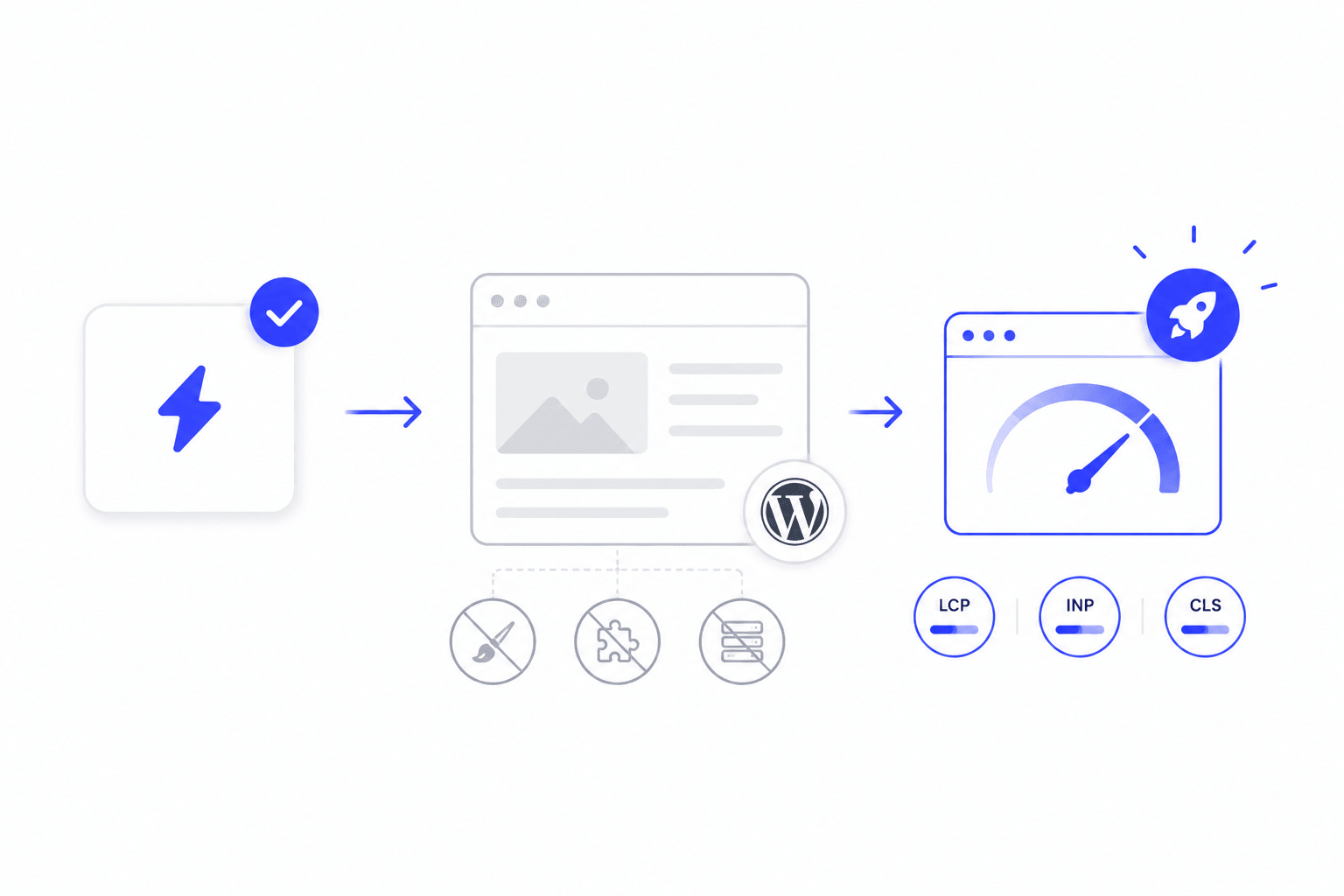
Better Core Web Vitals, better rankings
Google ranks on real Core Web Vitals, not lab scores. Uxify's agents prerender pages before the click and keep interactions instant, lifting your field metrics so your WordPress site earns a stronger shot in search.
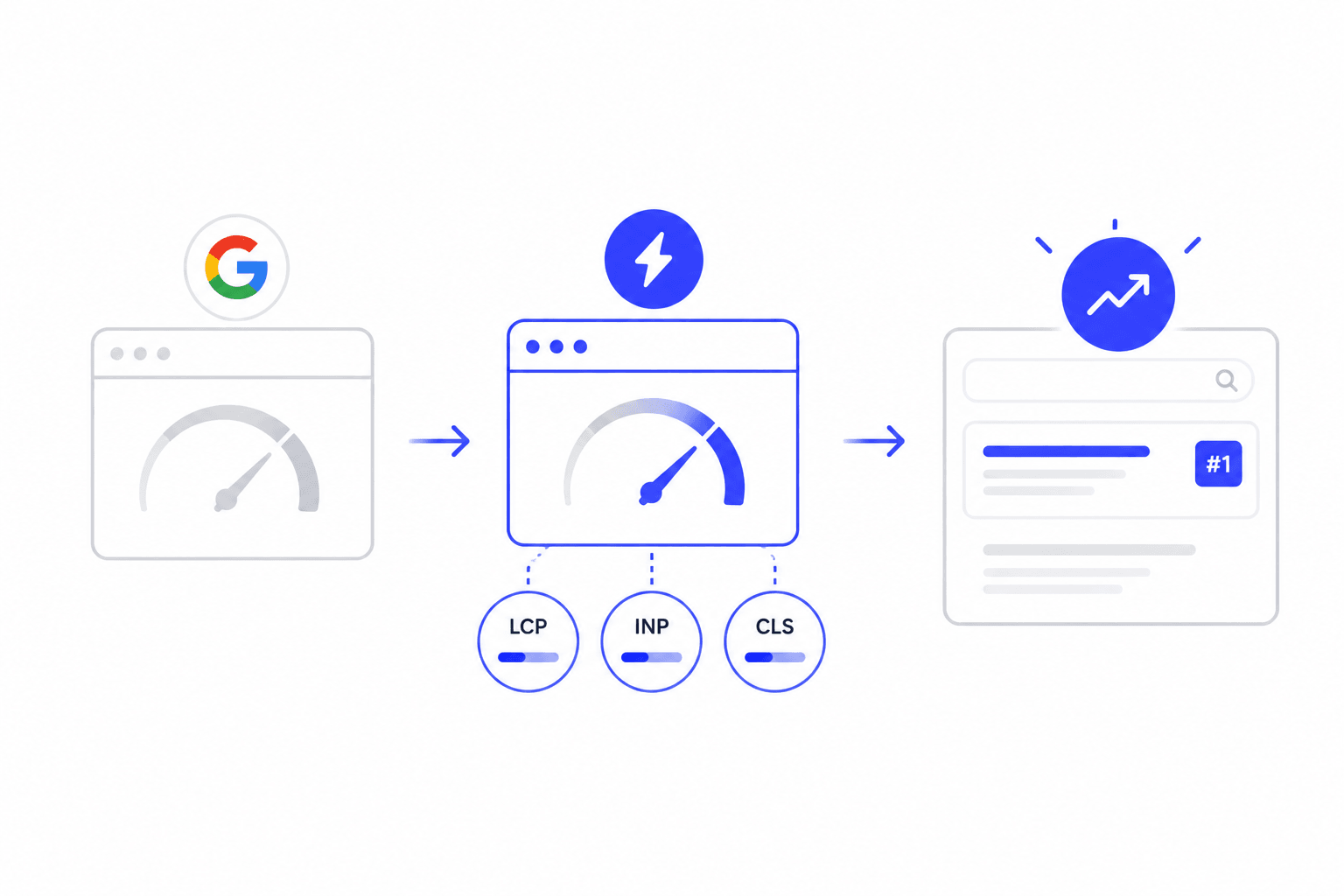
More conversions, any device
Visitors abandon slow pages on desktop and mobile alike. By prerendering the next page a visitor will open, Uxify removes the delay between clicks, so more people finish signing up, subscribing, or checking out on WooCommerce.
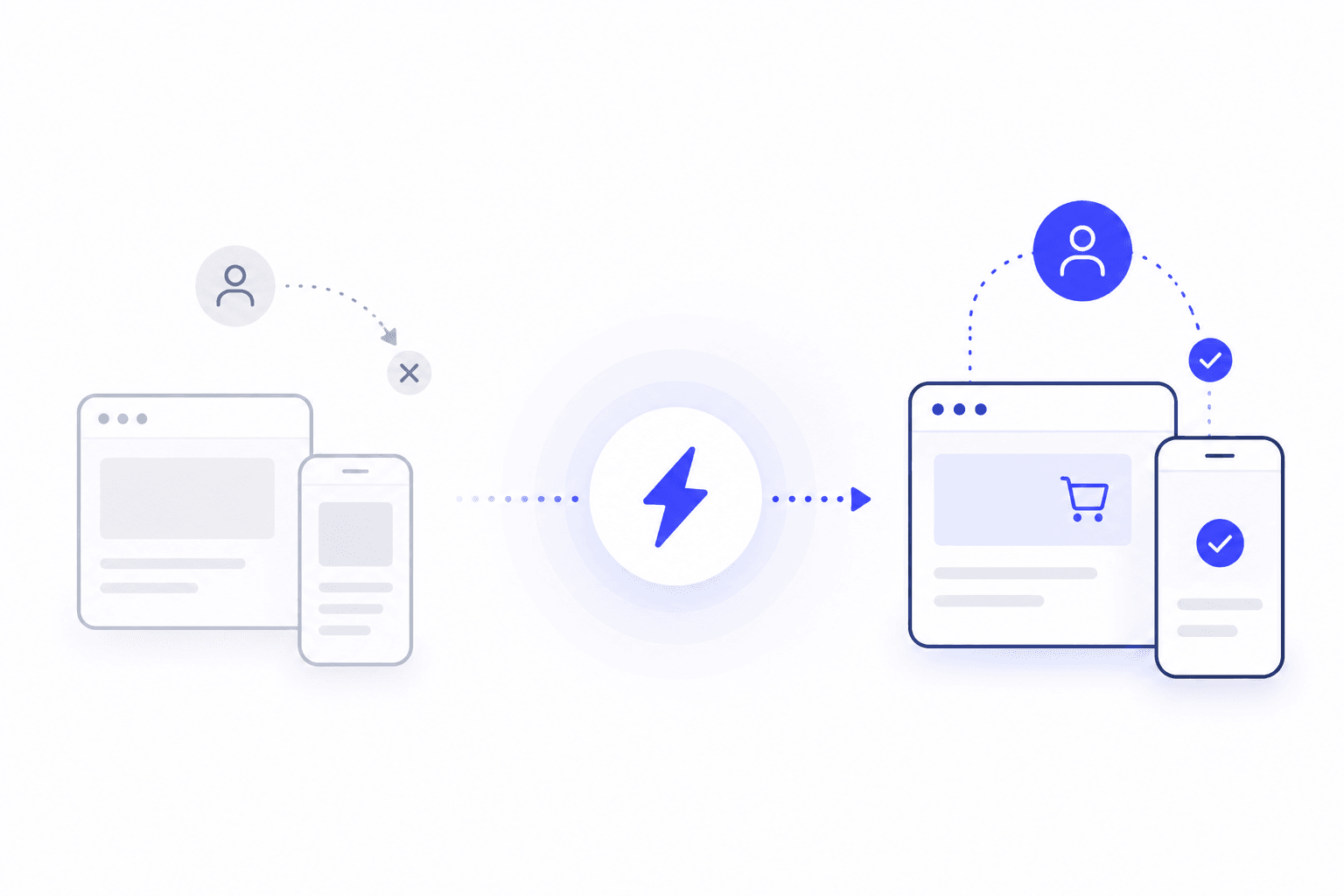
Lower bounce, longer sessions
Speed often decides whether someone reads on or leaves. Uxify keeps pages loading the instant a visitor clicks, so they move through your posts and pages smoothly and stay engaged across more of your site.
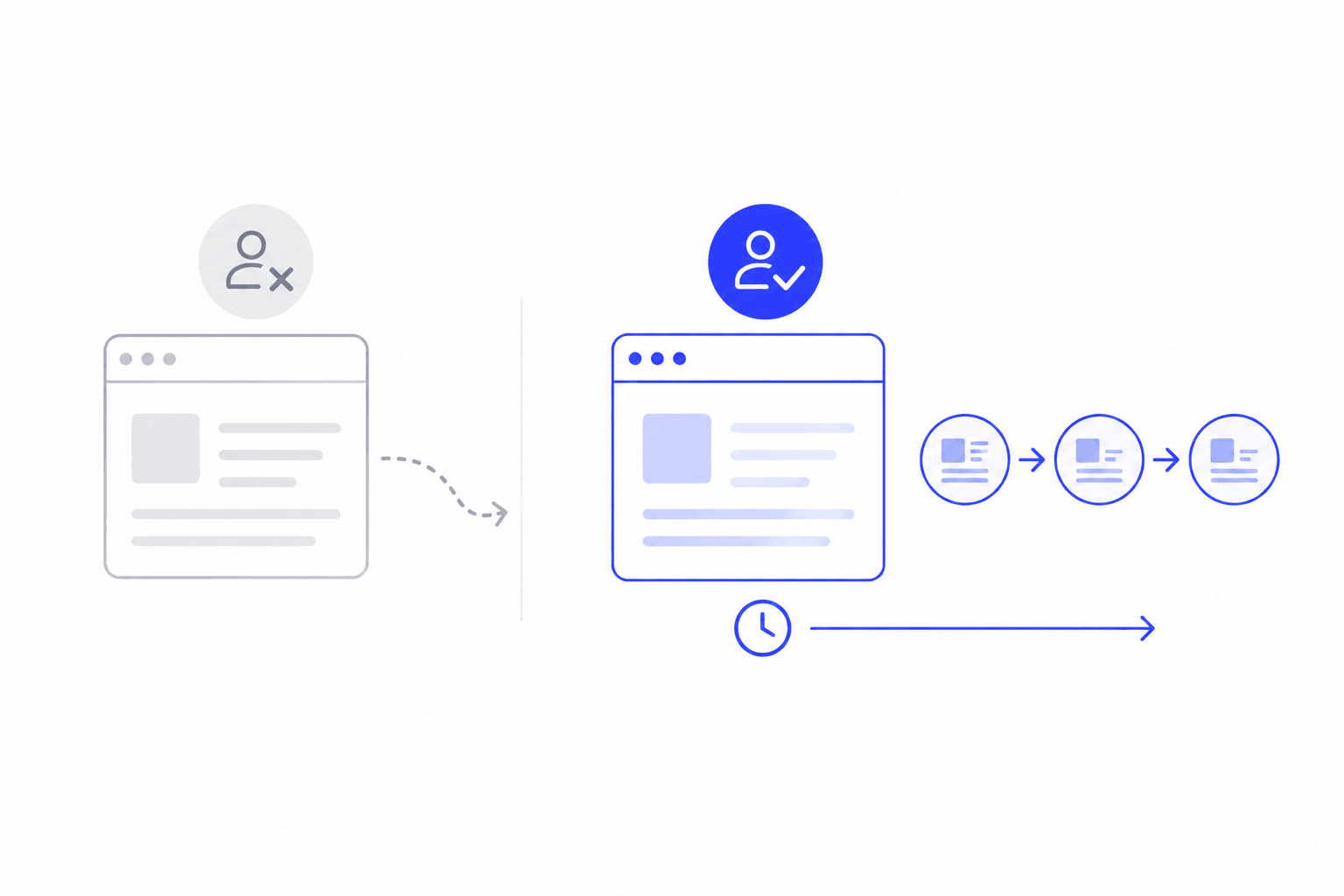
User engagement grew by almost 400%
eCommerce Fastlane
When eCommerce Fastlane, a leading Shopify growth publication, switched Navigation AI on, pages started feeling instant and LCP improved by over 45%. Readers suddenly stuck around: average session time jumped from 2.6 to 9.8 mins and pageviews per visit rose from 2.38 to 4.31 for the users exposed to the instant browsing powered by Uxify.
Everything you need to win in ecommerce
Intelligence
Frequently asked questions
What is WordPress speed optimization?
Effective speed optimization involves fine-tuning your entire WordPress site to drastically reduce load times, which naturally takes a lot of time. A professional speed optimization service, like Navigation AI, requires nearly zero input from you and does all the work behind the scenes.
How fast should a WordPress site load?
People expect your WordPress website to load quickly, ideally under two seconds and less, to prevent drop-offs. Consistent speed optimization secures passing Core Web Vitals scores, while a professional speed optimization service keeps your site speed highly competitive everywhere.
How do I optimize my WordPress site speed?
You'll need a reliable speed optimization service ensuring meaningful speed improvement beyond basic caching. An intelligent speed optimizer, like Navigation AI, works using predictive analytics to anticipate users' next steps and pre-render only those pages instead of everything. It continuously enhances your site speed and maintains perfect Core Web Vitals.
Can you optimize WooCommerce or Elementor sites?
With Navigation AI, you can make any slow WooCommerce site faster with the performance boost driven by predictive analytics. While you can also ditch WordPress speed optimization services and work on it manually, you need to consider whether it's worth your time to continuously monitor technical details.
How to optimize WordPress website speed without plugins?
Without plugins or any other WordPress speed optimization services, you'll need to work with caching settings yourself, compress and reupload images on your own, and deal with Core Web Vitals issues.