
Spot and fix UX issues automatically
See where users get stuck, spot slow pages, and choose fixes that actually help people finish their journeys.

Make your website fast and smooth
Find the friction
See rage clicks, dead ends, and broken forms that silently drive users away before they convert.
Speed things up
Pinpoint slow loads, high INP, and CLS shifts that frustrate users and hurt your Core Web Vitals scores.
Fix what matters
Get clear, actionable recommendations, so you fix what matters most, not just what's easiest.
Turn user's frown upside down.
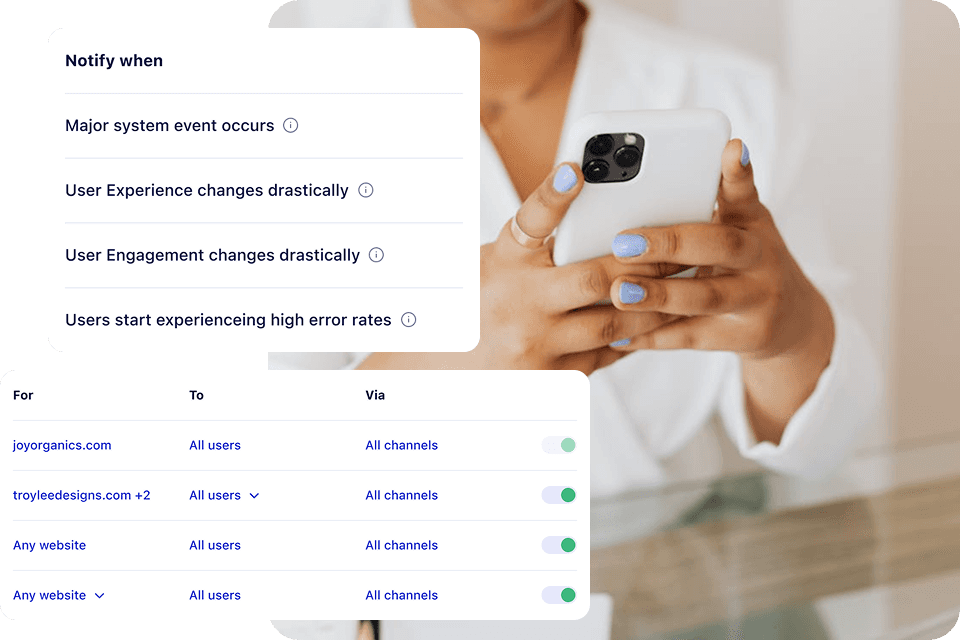
Spot UX issues quickly
Track real user frustrations like rage clicks, drop-offs, and U-turns, and get instant alerts the moment critical issues appear, so you can fix problems before they make everyone else leave.
Solve page speed breakdown
Identify which slow pages hurt conversions most, with precise LCP, INP, CLS, and loading data that shows you exactly what to optimize for better performance and happier users.

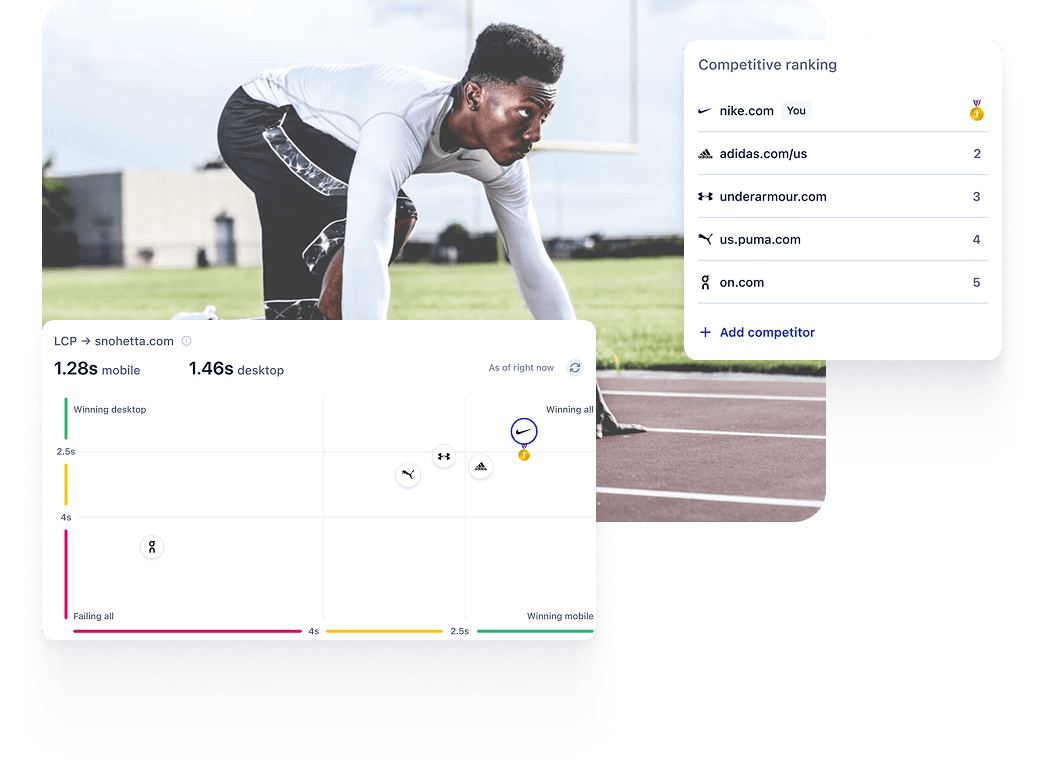
Compare against competitors
Benchmark your UX metrics, from page speed to engagement rates, against industry leaders to identify gaps and focus on improvements that bring you up to speed.
Uxi, your agentic UX expert
Ask Uxi questions like "Why are users leaving before they check out?" and instantly get visual data, root causes, and clear next steps to resolve UX blockers fast.

Mobile bug led to 30% less form submissions
Consentmo
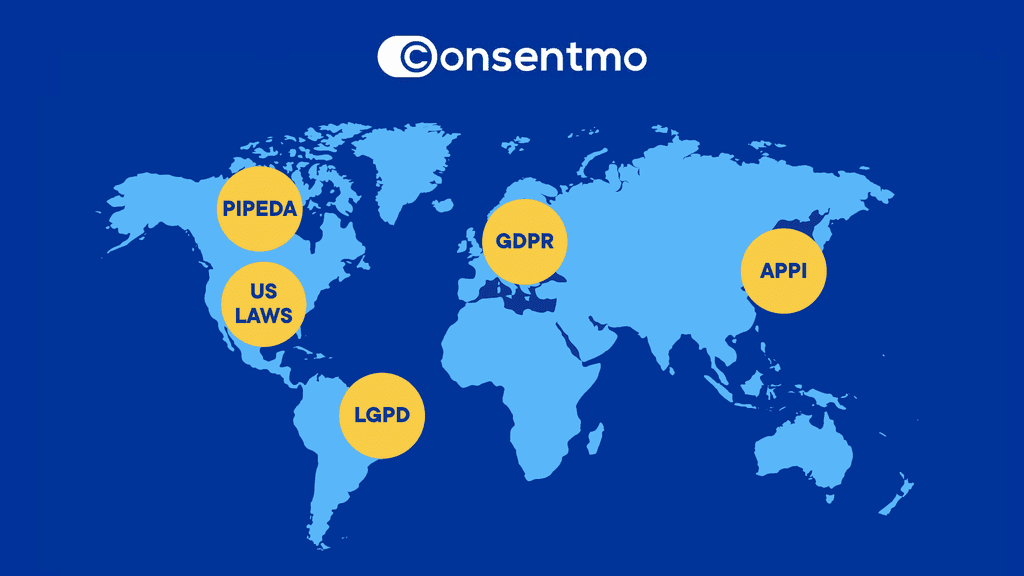
After a site update, the button of Consentmo's scan tool on their homepage was broken and 30% of users couldn't complete their consent audits. Uxify's rage click detection spotted it instantly, sent a notification to the team resulting in quick resolution and hundreds of saved leads.
Everything you need to deliver great UX
Intelligence
Most common questions
How quickly can I identify UX issues with Uxify?
Within hours of installation, you see real user data highlighting friction points, performance issues, and broken elements. No waiting weeks for data to collect.
Does Uxify work for mobile UX issues?
Absolutely. Uxify tracks mobile-specific problems like touch interactions, viewport issues, and device performance, across the real devices and browsers your customers actually use.
How is Uxify different from Google Analytics for finding UX design problems?
Google Analytics shows you numbers. Uxify shows you why, then acts on it. You see rage clicks, dead clicks, engagement patterns, and performance bottlenecks in one Reality dashboard, not just bounce rate percentages. And where the problem is fixable, the AI agents fix it.
Will I need a developer to fix issues Uxify identifies?
Often no. Navigation AI and INProve, Uxify's AI agents, automatically fix common performance issues like slow loads and interaction delays. For everything else, Uxify gives you detailed recommendations: quick fixes you can implement yourself, and technical issues that need developer attention.
Can I benchmark my UX design performance against competitors?
Yes. Uxify gives you industry benchmarks for key performance and engagement metrics, and its Competitors section lets you track your top rivals' leading pages and see exactly how their Core Web Vitals and engagement metrics stack up against yours.
How do you identify UX design issues?
We monitor the user journey to see where people drop off, using session data to reveal moments of friction, like rage clicks or unresponsive screens. Tracking the journey alongside these issues gives you a clear picture of behavior on the path to conversion, removing the guesswork.
What causes poor user experience?
Friction happens when confusing interfaces or slow load times leave users stuck on pages that won't respond to their taps and scrolls. Ignored, these small annoyances escalate into real roadblocks that cut the number of people who finish their journey.
What are common UX design problems?
You will often see people struggling with intrusive pop-ups, complicated checkout forms, and mobile menus that hide crucial links. Tackling these everyday problems requires attention to detail. Ultimately, fixing bad UX designs means clearing the path so people can easily reach their goals.
How can UX issues impact conversions?
When UX problems pile up, visitors often abandon their carts and turn to a competitor with a smoother, more intuitive site. Prioritizing good UX makes standard user interactions feel effortless, which helps plug revenue leaks and protects your bottom line.