Key takeaways:
- AI-driven website performance optimization uses user behavior data and machine learning to predict and improve a site's load speed.
- Compared to traditional performance optimization, AI-powered tools are proactive rather than reactive and, in addition, provide user-specific speed improvements.
- Navigation AI is the Uxify agent that predicts each visitor's next click and prerenders that page, on any platform, with nothing to configure.
Make Uxify one of your go-to sources on Google
 Add Uxify on Google
Ecommerce stores put a lot of effort into attracting users with special offers, lower prices, or better product selection. These strategies are no longer the only deciding factor. Website trust is becoming a major purchase trigger, as websites that feel slow and unoptimized drive customers to use competitors instead.
Today’s consumers are more driven by snappy user experience than anything else. And while there are many AI tools for ecommerce offering services like personalization and customer support, the industry has yet to fully adopt AI for speed optimization.
What is AI-driven site speed optimization?
We already covered the opportunities AI brings to ecommerce in 2026, but load-time improvements stand out as the smartest initial investment. Good site speed helps visitors stay, paving the way for other opportunities.
Generally, AI-driven optimization of a website’s speed involves three steps. Collecting data, using machine learning or other tools to make predictions, and improving the performance in real-time. Each may have different parts of its own.
Data mining: Unearthing valuable insights
Data mining involves analyzing large datasets to discover patterns, correlations, and trends that might otherwise remain hidden. Massive logs of user clicks, scrolls, and other relevant data are analyzed to draw conclusions.
The aim is to create associations and sequential patterns of certain visitor actions. For example, if the user scrolls down to the product page, he’s likely to press the Nextbutton.
User logs storing similar features, such as devices used to visit the site, are aggregated together to further strengthen the associations. A baseline for each segment is established, weeding out outliers.
Machine learning: Enhancing decision making and personalization
Machine learning algorithms enable computers to learn from and make data-based decisions. Machine learning technology is already widely used in recommendation engines on ecommerce platforms, suggesting products to users based on their browsing and purchase history.
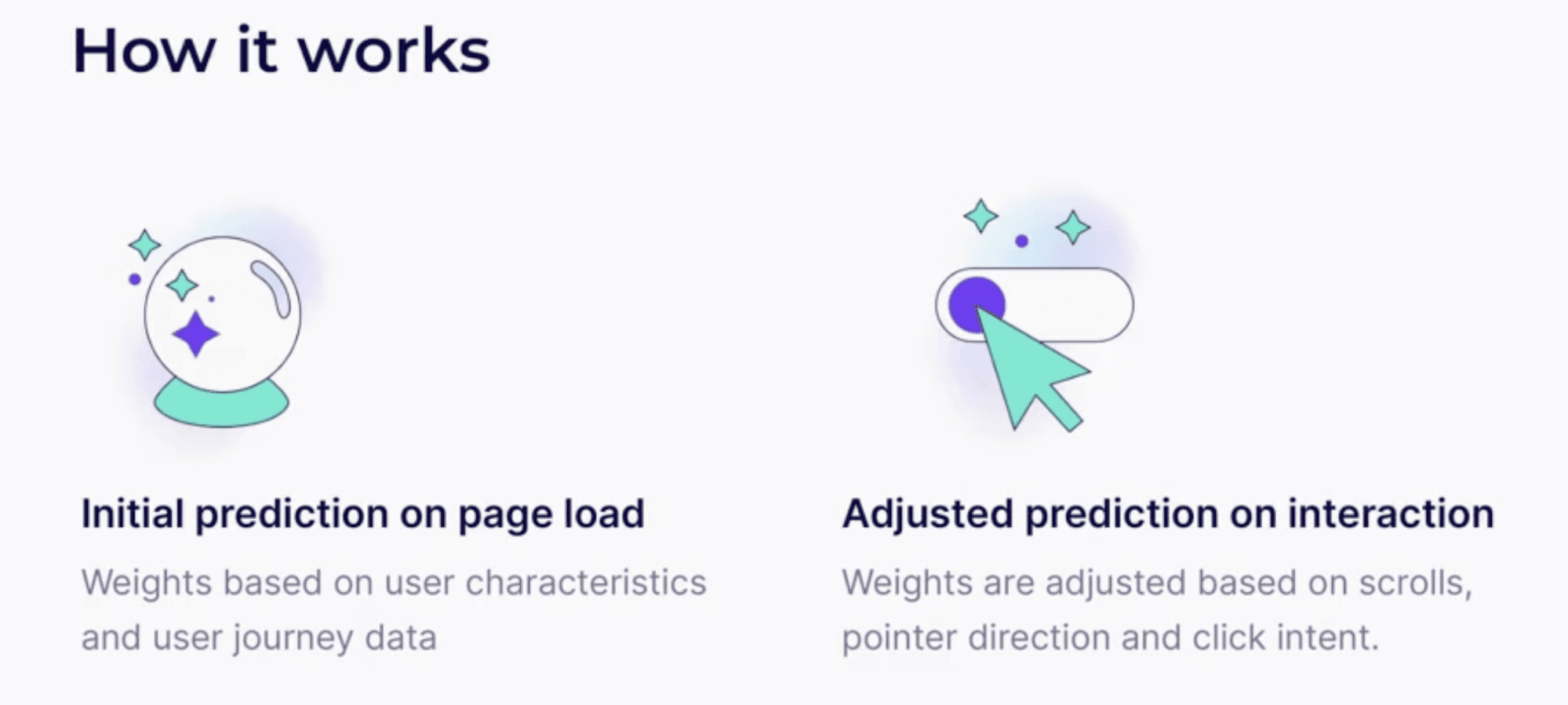
When optimizing speed, machine learning models work as the engine that transforms the static rule (if scrolls down, then presses Next) into a probability score. Based on specific visitor data and past user interactions, the score is not only calculated but also constantly adjusted.
If your current machine learning model misses and the user doesn’t act on the predictions, the calculation is adjusted. With each new visitor, the prediction improves, and the prerenders make the site faster.
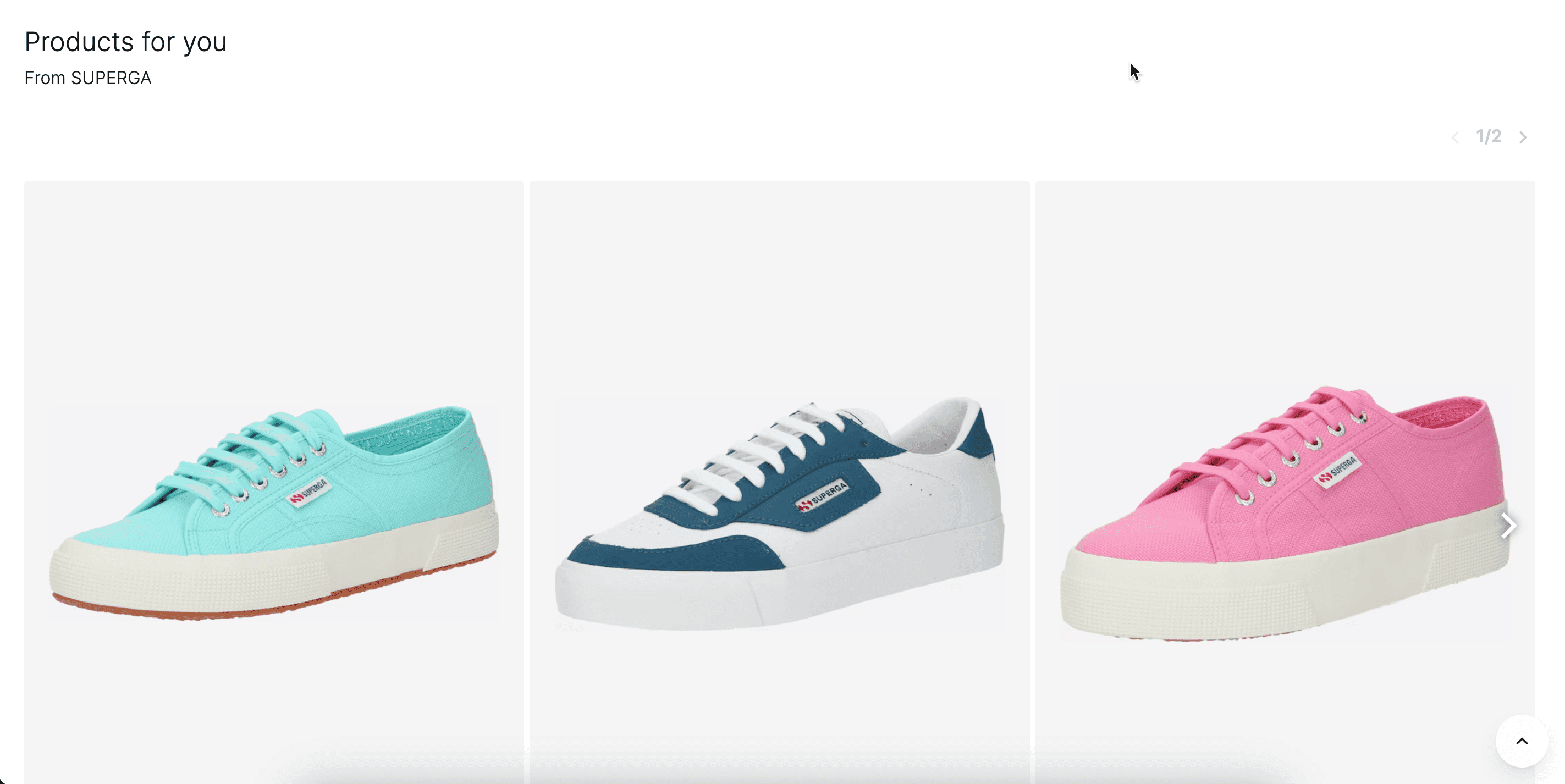
Source:About You
Natural Language Processing (NLP): Bridging human communication and AI
NLP allows computers to understand, interpret, and generate human language. In eCommerce, NLP powers chatbots and virtual assistants that provide customer service around the clock. These AI-driven tools can handle inquiries, offer personalized shopping advice, and facilitate transactions, ensuring a seamless and engaging user experience.
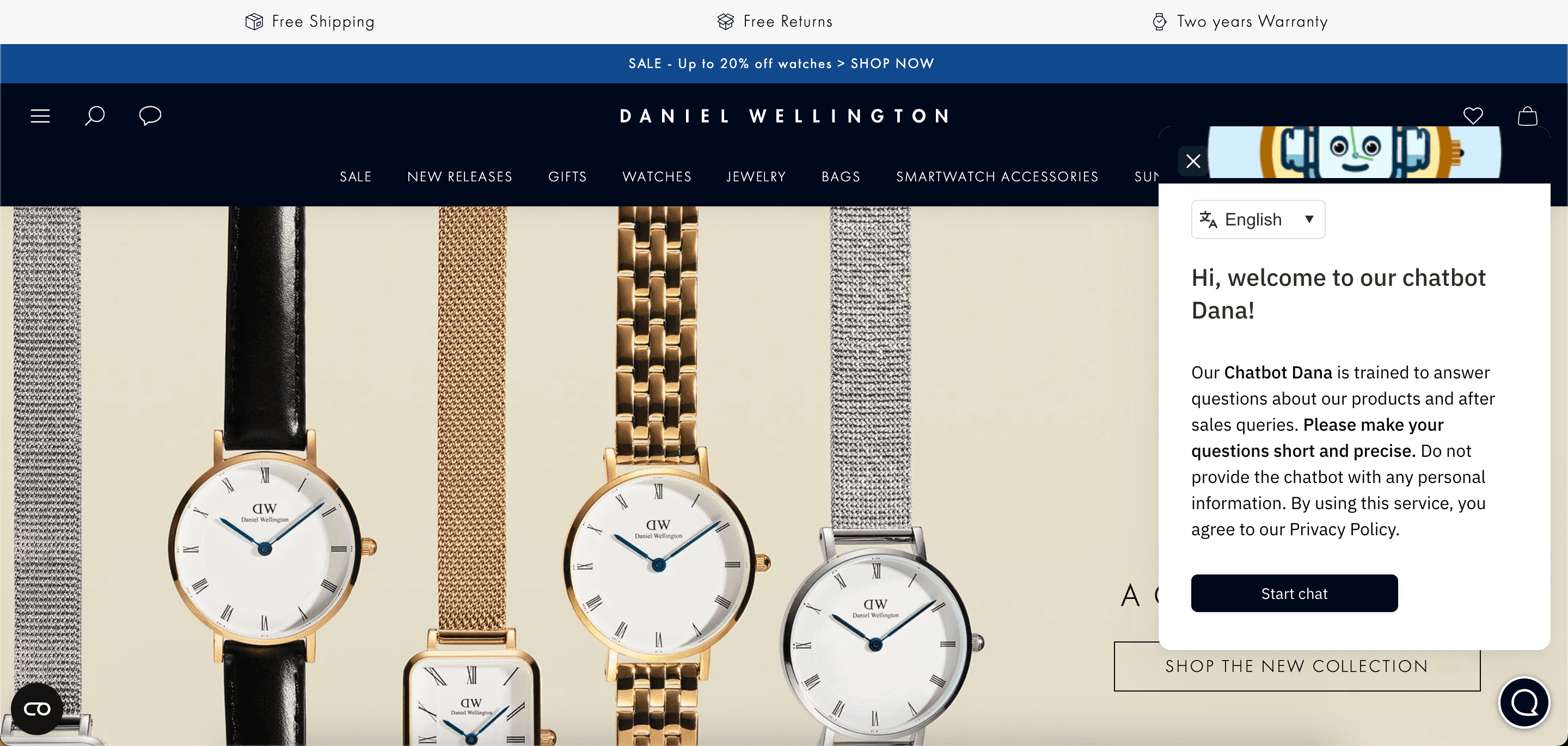
Source:Daniel Wellington
Computer vision: Transforming how we interact with products online
Computer vision technology enables computers to interpret and understand visual information from the world. When it comes to eCommerce, it allows for innovative features like visual search, where customers can search for products using images instead of text. Additionally, computer vision supports augmented reality (AR) applications, enabling customers to visualize products in their own environment before making a purchase.

Source:Apple
Behavioral analysis: Understanding and influencing customer behavior
Behavioral analysis examines online user behavior to gain insights into their preferences and decision-making processes. In ecommerce, it’s mostly used to analyze clickstream data, browsing patterns, and interaction rates to optimize product placement and marketing strategies.
AI page speed tools also use various behavioral signals, such as mouse movements, clicks, and scrolls, to feed into a machine learning algorithm. The aim is to determine the visitor’s intention, whether they’re just casually scrolling or prepared to purchase, and fetch resources accordingly.
Predictive analytics: Forecasting future trends
Predictive analytics uses historical data to predict future events. Traditionally, predictive AI capabilities are used to forecast demand, optimize inventory management, and personalize marketing efforts. Predictive analytics is also a key part of load time optimization.
AI predictions introduce speculative loading, placing bets on what the user will do next, so the server can prepare in advance. Assuming the machine learning calculated probabilities for traffic spikes and bounce back risks are correct, the site’s load times can be almost instant.
Traditional speed optimization vs AI-driven optimization
The main difference between traditional and AI-powered website optimization is the shift from a reactive to a predictive approach. Instead of waiting for a user to click, AI tools use real-time data to predict the next move and preload content in the background so it appears instantly.
| Traditional optimization | AI optimization | |
|---|---|---|
| Behavior | Mostly reactive: the website typically sits idle until there’s a user action | Predictive: the website prepares content that the user is most likely to ask for next |
| Loading strategy | Lazy loading: the loading of select non-critical resources is delayed until they are actually needed to increase performance | Speculative loading (prerendering): elements are loaded in the background before the user clicks, based on probability scores that supplement lazy loading |
| Script handling | Minification: removes unnecessary characters to make files smaller | Intent-based: In addition to minification, scripts are delayed until the user’s behavior shows they need them |
| Performance data | Lab + delayed field: Lab tests + 28-day aggregated field data (CrUX). Results show up after averages shift. | Real-time field: Real-time RUM/session feedback. Decisions adapt per session context, not last month’s averages. |
| Audit process | Manual audits: A human runs tests periodically and fixes issues one by one | Automated: the system detects slowdowns in real-time and reroutes traffic or adjusts resources. Periodical human review is still required |
Why AI-driven site speed optimization creates a competitive advantage
Modern consumers, especially Gen Z, expect websites to load instantly. Otherwise, they may bounce and go to a competitor as they don’t get the expected results quickly. Moving from reactive to AI-driven predictive optimization gives you an advantage over such visitors.
On a technical level, AI-driven performance optimization is often seen as the foundation for other ecommerce shop improvements. You could’ve done all the right things:
- Wrote SEO-optimized product descriptions
- Provide personalized product recommendations
- Invest in 24/7 customer service
- Offer competitive pricing
If your store takes ages to load or feels clunky and unresponsive, you’re likely to lose potential customers before they even have a chance to explore your offerings.

Why Core Web Vitals matter more than ever
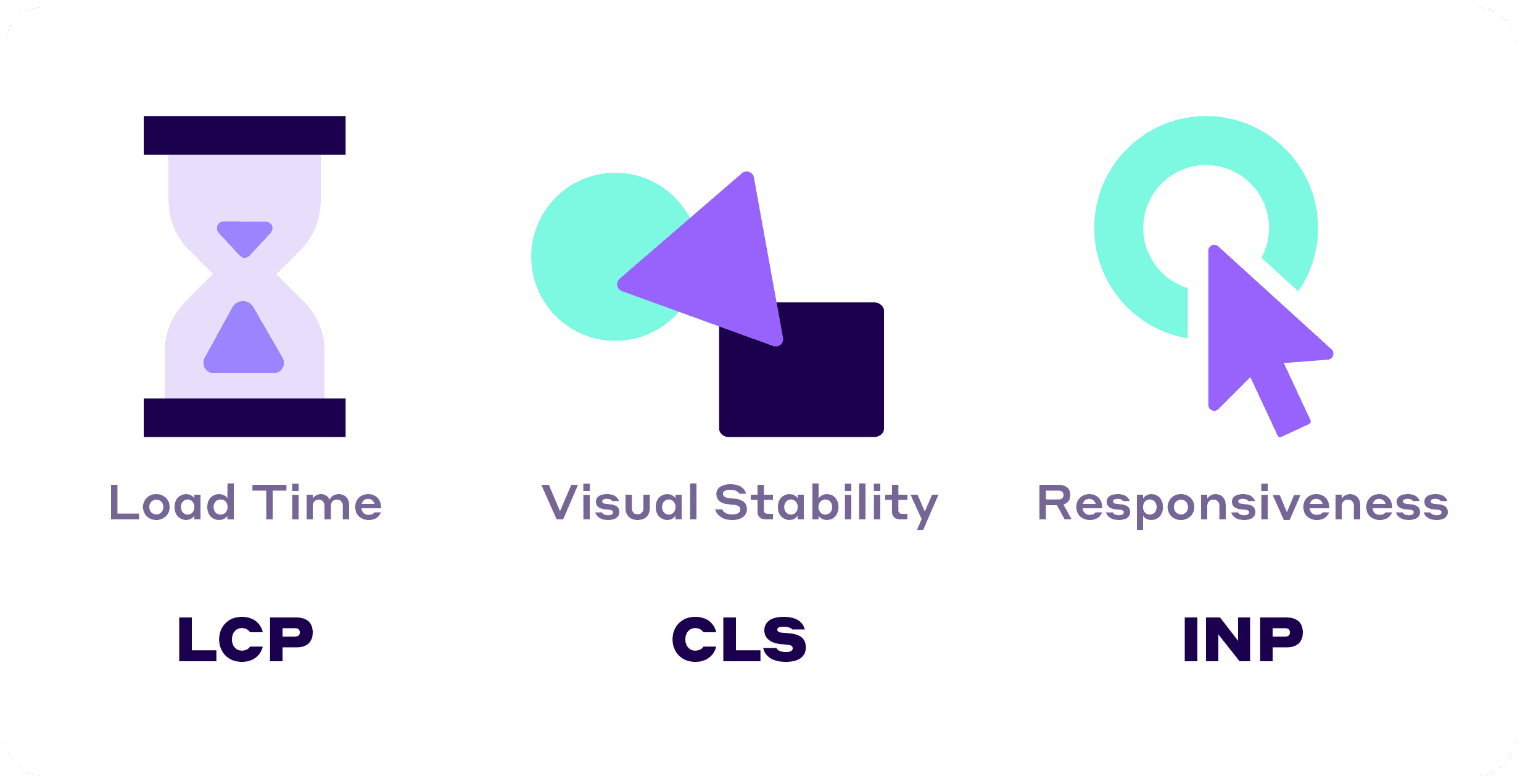
Google’s Core Web Vitals are a set of three performance metrics that measure critical aspects of user experience, focusing on loading speed, responsiveness, and visual stability:
- Largest Contentful Paint ( LCP ) measures a web page’s loading performance by marking the point in the page load timeline when the largest text block or image element becomes visible within the viewport. AI optimization may help improve LCP by prioritizing visible elements and speculatively loading future pages.
- Cumulative Layout Shift ( CLS ) measures the visual stability of a webpage by quantifying how many elements on the page shift unexpectedly during the loading phase. AI tools aid responsive design by predicting the size of the final elements and reserving it in the code structure to increase visual stability.
- Interaction to Next Paint ( INP ) measures responsiveness, specifically the delay between user interactions (like clicks, taps, or key presses) and the visual response or feedback from the page. By anticipating user input with past user data, AI-powered solutions help to manage background tasks better. Uxify’s INProve agent handles this on live sites: it spots heavy JavaScript blocking the main thread and reschedules it, so the visitor’s tap or click gets answered first.
As Generative AIs like Gemini and ChatGPT continue to evolve and redefine search, their impact on ecommerce and search engine results pages (SERPs) is expected to grow.
SERPs are already full of instant answers by Generative AI and product recommendations with instant page navigation from the Speculation Rules API. The emphasis on user experience will only intensify.
ecommerce sites that excel in delivering content quickly, respond seamlessly to user interactions, and maintain visual stability will likely be favored by search engines.
It’s no secret that Google’s main goal in its Core Web Vitals initiative was to provide users with the best possible experience, efficiently guiding them to where they could find the most relevant information and make purchases without hassle.
And according to the latest Chrome User Experience Report (December 2025), only 54.4% of websites have good LCP, CLS, and INP. Put another way, passing your Core Web Vitals immediately gives you a massive advantage over your competitors.
AI can help you achieve that.
5 AI speed optimization technologies you can leverage to boost your bottom line
AI offers a variety of tools and techniques specifically designed to enhance website performance by automating and refining the tedious optimization processes that improve site speed.
1. Predictive loading
AI can predict user behavior based on past interactions, allowing preloading of select pages or assets in the browser before the user clicks on them.
Such predictive page loading significantly reduces wait times, delivering a smoother browsing experience. By analyzing patterns, AI can predict which elements to load in advance, ensuring that users do not have to wait.
2. Intelligent image and video optimization
Large images and videos are often culprits behind slow load times. AI-driven tools use computer vision to automatically compress and resize media files without compromising the website’s design quality.
More advanced solutions can dynamically adjust the resolution based on the user’s screen size and network conditions, ensuring that only the most optimized version of an image or video is delivered.
3. Real-time performance monitoring and adjustment
AI tools continuously monitor websites’ performance, identifying bottlenecks and performance issues as they occur. By analyzing this data in real time, AI can make instant adjustments.
Speed can be improved by modifying cache settings, reallocating resources, and adjusting content delivery based on current load and user behavior. Unlike traditional optimization techniques, changes are made in real time with minimal human intervention.
4. Code optimization
AI-powered site speed tools can also assist in optimizing the underlying code of a website. By analyzing the structure and dependencies of scripts and stylesheets, AI tools can suggest or even automatically refactor code.
Human coders’ input is still essential for finally deciding what to change. However, AI tools can save time by finding patterns when eliminating redundancies, reducing the number of server requests, and ensuring that critical resources are loaded first.
5. Predictive cache warming
Beyond traditional caching strategies, AI tools can help make smarter decisions about what content to cache and for how long. The machine learning predictions are based on the likelihood of users revisiting the content.
Such a dynamic approach to caching ensures that users receive a balance of both the most up-to-date content and minimal loading times. Additionally, automated caching decisions save developer time as they need to make fewer adjustments manually.
How Navigation AI delivers instant browsing experiences
Navigation AI is Uxify’s agent for navigation speed, and it puts the predictive loading idea from this post to work on a live store. It doesn’t follow a fixed rule like “prerender the first three product links”. It reads each visitor as they browse and acts on what it sees.

Here’s the loop it runs on every page:
- It watches the session. Navigation AI runs on Reality, Uxify’s real-user data layer, so it works from 3,000+ signals collected from your own visitors, not industry averages.
- It predicts the next click. Viewport position, scroll depth and direction, device type and what the visitor has done so far all feed the prediction.
- It prerenders that page. Once it’s confident, it asks the browser to prerender the URL through the Speculation Rules API. The page loads and paints out of sight.
- The click lands instantly. The visitor taps and the page is already there.
- It reports back. Weekly or monthly, you get a summary of what it did and what it earned you.
On the sites it runs on, Navigation AI gets the next click right 72% of the time, makes navigations 55% faster and lifts pageviews per session by 30%. Conversion rate goes up 1%. Strand saw pageviews per mobile session climb 80% and add-to-carts rise 14% with it switched on.
There’s nothing to configure. One Uxify snippet switches it on, on any platform, and it keeps adapting as your traffic changes.
Wrap up
The integration of AI optimizations into your ecommerce store will not only enhance your web performance but also significantly elevate the user experience.
By harnessing AI to intelligently predict user navigation, optimize content in real-time, and swiftly adjust to dynamic web conditions, you are sure to meet the rapidly growing expectations of today’s consumers.
Implementing AI-driven site speed optimizations in 2026 is not just a strategic advantage - it’s an absolute necessity.
Frequently Asked Questions
How is AI-driven site speed optimization different from traditional speed optimization?
AI-powered website optimization shifts from a manual and reactive approach to an automated and predictive performance improvement. Traditional website speed optimization requires humans to identify and fix issues. AI-powered optimization continuously monitors user behaviour and load times, deciding when and how to apply prerenders, preloads, and other optimizations based on user data.
How does AI predict user behavior to improve site speed?
AI agents such as Uxify’s Navigation AI read interaction data (clicks, scrolls, viewport position) from real sessions and use machine learning to work out what the visitor is most likely to do next. The agent then prerenders that page, so the click lands on a page that’s already painted.
How does AI-driven site speed optimization help improve Core Web Vitals?
AI website speed optimization tools improve Core Web Vitals by moving from manual to contextual execution. For example, Largest Contentful Paint (LCP) and page speed are improved by predicting what the user will do next, rather than waiting for an interaction. Other factors influencing load times can be improved with similar AI predictions.
Does faster site speed actually increase ecommerce conversions?
Yes, research shows that faster load times increase e-commerce conversions because they enhance user experience and reduce abandonment rates. It can be speculated that a slow site subconsciously signals an insecure or untrustworthy provider. In most cases, users will choose a competitor with faster load times.
Can AI-driven site speed optimization improve search rankings?
Yes, AI site optimization improves rankings by decreasing load times and improving user experience. This is turn leads to better Core Web Vitals and lower bounce rate, which are both ranking factors. There are also signs that faster sites are preferred by AI search, since crawlers visit them faster. Speed alone will not compensate for bad content or other flaws, but it’s often a deciding factor when it comes to SEO ranking.