Make Uxify one of your go-to sources on Google
 Add Uxify on Google
When it comes to ecommerce, speed isn’t a nice-to-have. It moves conversions. Shopify provides a great platform that is out of the box with a solid foundation, reliable performance, and flexibility for merchants to create beautiful online stores. But as Shopify stores grow and more customizations, apps, and assets get layered in, even the best-built stores can start to experience performance hiccups. For e-commerce, where every second counts, these slowdowns can impact user experience, conversions, and even search engine rankings.
In this guide, we’ll explore why Shopify performance can dip, best practices to speed up your store, and where two Uxify agents take over the work that best practices can’t keep up with: Navigation AI for moving between pages and INProve for clicks and taps.
Why Shopify performance can suffer
Shopify is widely respected for its ease of use and robust infrastructure, but as you add customizations, performance issues can arise in your Shopify store. Here’s a look at some common reasons why a Shopify store might lose its edge over time:
- Heavy App Usage: Shopify’s app marketplace is vast, and many stores rely on apps for added functionality - customer reviews, pop-ups, or product recommendations. However, each app can add code, images, and external calls that increase page load times.
- Large or Unoptimized Images: E-commerce is visual, and high-quality images are essential. However, large or unoptimized images can add significantly to load times, especially on mobile devices.
- Theme Customizations: Many store owners heavily customize their Shopify theme for a unique brand feel, but these changes can sometimes add bloated JavaScript, CSS, or other elements that can bog down performance.
- External Scripts and Tracking Codes: Tools like analytics, ads, or third-party scripts are crucial for understanding customers and driving traffic, but each one adds a bit more load time.
These elements can slow down even the most streamlined Shopify store, which impacts user engagement, SEO rankings, and ultimately, sales.
Proven practices to boost Shopify’s speed and performance
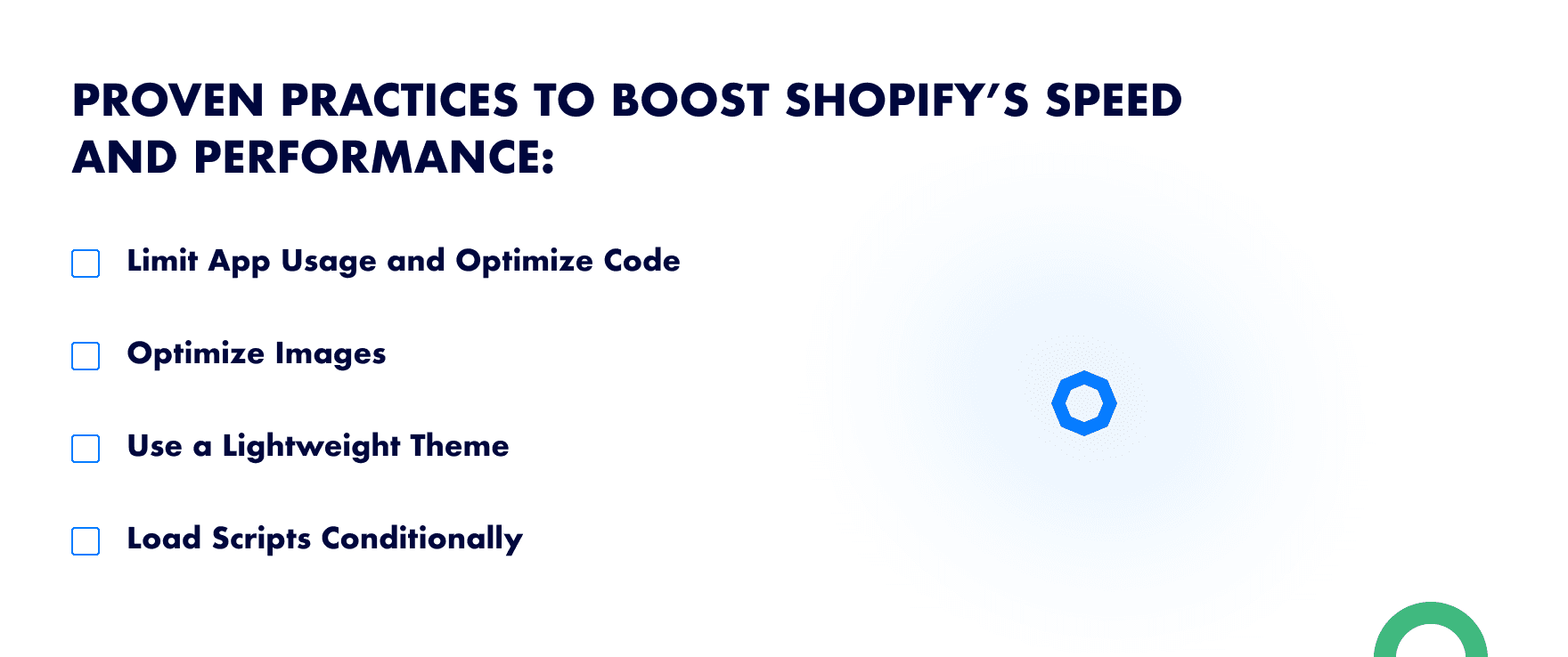
While Shopify provides a stable base, there are several best practices you can implement to boost your store’s performance:
- Limit App Usage and Optimize Code: Carefully select the apps you truly need and disable any you’re not actively using. Where possible, consolidate functions into fewer apps to reduce the amount of code running on your pages.
- Optimize Images: Use tools to compress images without sacrificing quality. Shopify also supports WebP, a highly efficient image format that can reduce load times significantly.
- Use a Lightweight Theme: Choosing a well-coded, lightweight theme or regularly cleaning up your custom code helps keep your store’s foundation fast and responsive.
- Load Scripts Conditionally: Only load scripts on pages where they’re truly needed. For example, if a tracking pixel is only relevant on checkout, ensure it doesn’t load on every other page.
Implementing these practices can help speed up your store. The catch is that they’re one-off fixes, and a Shopify store changes every week: a new app, a new campaign, another tracking pixel. That’s the gap Uxify’s agents fill. They keep doing the work after the cleanup sprint is over.
How Speculation Rules and Navigation AI Transform Shopify Performance
Start with the browser feature. The Speculation Rules API lets a page tell Chrome which URLs to prefetch or prerender before the visitor clicks. A prerendered page is built in full in the background, so when the click comes, it appears straight away. The API doesn’t predict anything on its own. It does exactly what the rules say, and someone has to decide which pages go into them.
That decision is the job Navigation AI owns. It’s a Uxify agent that watches real sessions on your store, predicts the next click from viewport position, scroll, device and live session signals, and prerenders that page through the Speculation Rules API. The shopper clicks and lands on a page that’s already painted.
Here’s why this combination works so well for Shopify:
- Predictive prerendering: If shoppers usually go from your homepage to a bestselling collection, or from a collection to its top product, Navigation AI prerenders that page while they’re still deciding. It predicts the next click correctly 72% of the time, and navigations get 55% faster.
- Reduced Bounce Rates, Improved Engagement: When every click lands instantly, people keep browsing. Sites running Navigation AI see 30% more pageviews per session. On Shopify, Ecigone saw engaged sessions rise 22% and repeat traffic rise 9%.
- SEO Advantage: Speed is a known factor in Google’s ranking algorithm, so by keeping your Shopify store fast, you not only improve user experience but also increase the likelihood of higher rankings.
Why Navigation AI is a must-have agent for Shopify optimization
Hand-written speculation rules guess once and stay the same until someone edits them. Navigation AI keeps learning from your actual shoppers, which is why it’s the most effective way to put Speculation Rules to work on Shopify:
- Automated, AI-driven predictive navigations: Navigation AI runs on Reality, Uxify’s real-user data layer, which reads 3,000+ signals from real sessions. It predicts from how your visitors move, not from industry averages, and it adjusts as your catalog and campaigns change.
- One snippet, nothing to configure: It switches on from the Uxify snippet in your theme. There are no rules to write and no per-page settings to maintain.
- Reports on what it did and what it earned: Every week or month, Navigation AI sends a summary of the pages it prerendered and the effect on your store, including how many more product pages each visit reached. One store saw 2.43 more products viewed per visit. The full effect on Core Web Vitals can take up to 28 days to show in Google’s CrUX data.
Keep app-heavy pages responsive with INProve
Navigation AI makes the next page arrive instantly. What happens once that page is open is a different problem, and it’s where most Shopify apps do their damage. Review widgets, upsell popups, chat and tracking pixels all compete for the browser’s main thread. When a shopper taps a variant or “Add to cart” while one of those scripts is running, the tap waits in line. Google measures that wait as Interaction to Next Paint (INP).
INProve is the agent that owns that wait. It spots main-thread blocking as it happens and yields or reschedules the heavy JavaScript so the shopper’s click, tap or keystroke goes first. The app still runs, just not in front of your customer. You keep the apps you rely on, INP improves by up to 84%, and INProve tracks real-user INP over time so you can watch it move.
Faster, Smarter Shopify Stores with Navigation AI
Optimizing your Shopify store for speed is essential for customer engagement, conversions, and SEO. While Shopify is built with a reliable structure, performance can degrade as customizations, apps, and assets accumulate. Following best practices is a great start. After that, agents keep the store fast: Navigation AI prerenders the page each shopper is most likely to open next, INProve keeps app scripts out of the way of their clicks, and both report back on what they did.
Both switch on from the same Uxify snippet. See all Uxify agents and the job each one owns.

Ready to see what the agents do on your own store? Switch them on from the Uxify dashboard and read their first report.
Check out our Performance section for expert tips on improving load times, optimizing assets, and leveraging AI-powered enhancements to boost conversions.
Frequently Asked Questions
Do apps using AI slow down my site more than regular apps?
Not necessarily. It depends on how the app is built, not whether it uses AI. Modern AI tools for your ecommerce store like chatbots, recommendation engines, and personalization apps, are often well-optimized. That said, AI apps can require more processing (analyzing behavior, making API calls) which may impact speed if poorly implemented. Evaluate each app based on its actual performance impact and whether it improves conversions enough to justify it.
How many apps can I have on Shopify without slowing it down?
There’s no magic number, it depends on app quality, not quantity. One poorly coded app can hurt more than five lightweight ones. Regularly audit your apps, remove unused ones, and check for leftover code from uninstalled apps in your theme editor.
Can I improve Shopify speed without removing apps?
Yes. Instead of removing apps, you can optimize how they load: implement lazy loading for non-critical scripts, defer JavaScript execution, use Google Tag Manager to consolidate tracking codes, and ensure images are compressed and in WebP format. INProve can take care of much of the rest without you removing anything: it reschedules heavy app scripts in the browser so clicks and taps respond first. Navigation AI handles the moves between pages by prerendering the one each shopper is likely to open next. Neither agent hides a slow store, so keep the optimizations above in place too.